Leaderboard

Popular Content
Showing most liked content on 09.01.2016 in all areas
-
2 likes
-
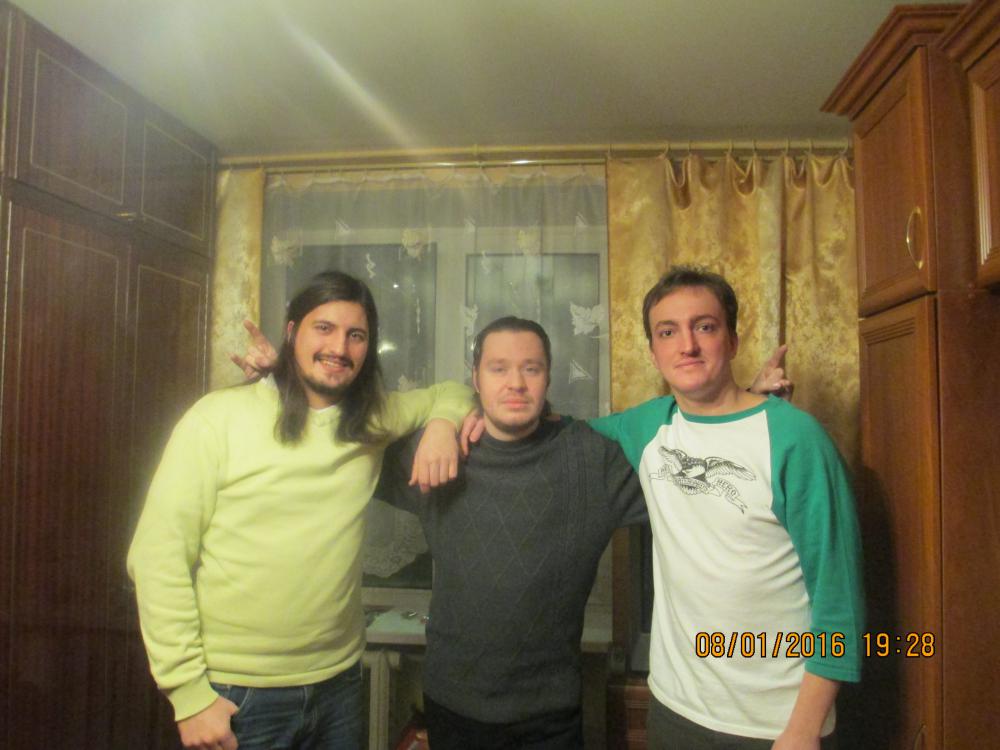
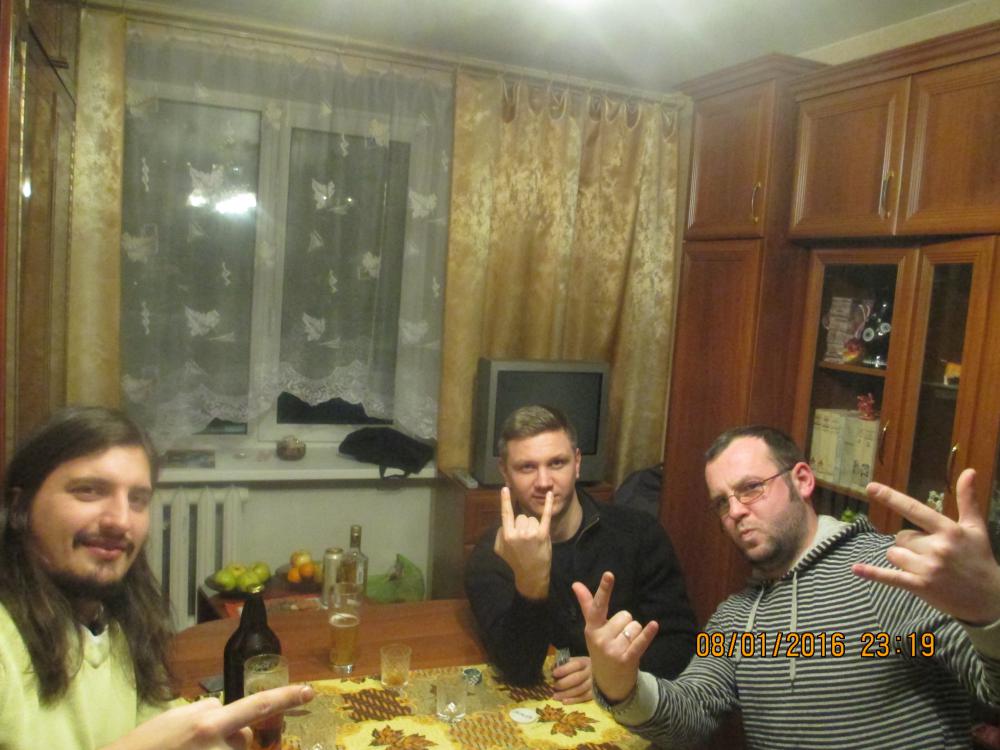
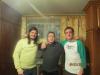
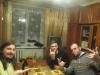
1 likeВчера состоялся мощный оффлайн. Сначала собрались втроём со Смерти и Сахарком и играли 3 часа в покер. Также пили шампанское, коньяк и пиво. Потом Сахарок уехал, а мы со Смерти остались ждать Джимстайла с работы. Но Джим пришёл не один, а с другом Лёхой и ещё пивом и коньяком). В итоге сидели мы до 5 утра, а потом ещё час искали где добавить и всё-таки нашли и добавили). Потом Смерти ушёл спать к Джиму уже в 6 утра. Давно так круто не сидели. А в покер Смерти выиграл 600 рублей. :Всё сразу: Смерти, Зубоскал и Сахарок Смерти, Лёха и Джимстайл
 1 like
 -
1 likeЗдорово вчера посидели, хоть я пришёл в 22-30 времени было ещё полно, ведь сидели до 6 утра. Все, кто пришёл молодцы1 like